
Text Audio Books iPad edition1.3 - App Store
You'll be able to see results in few seconds.
Publisher Description

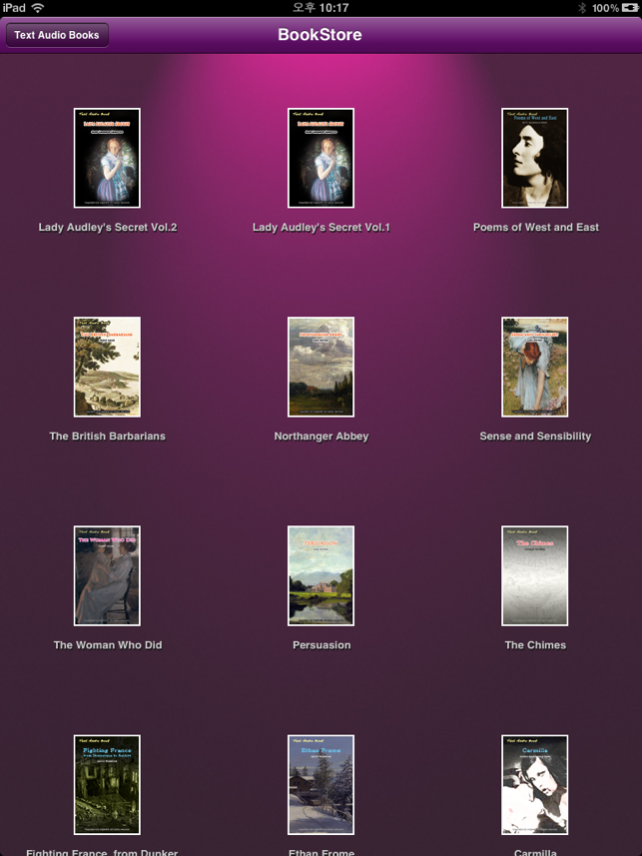
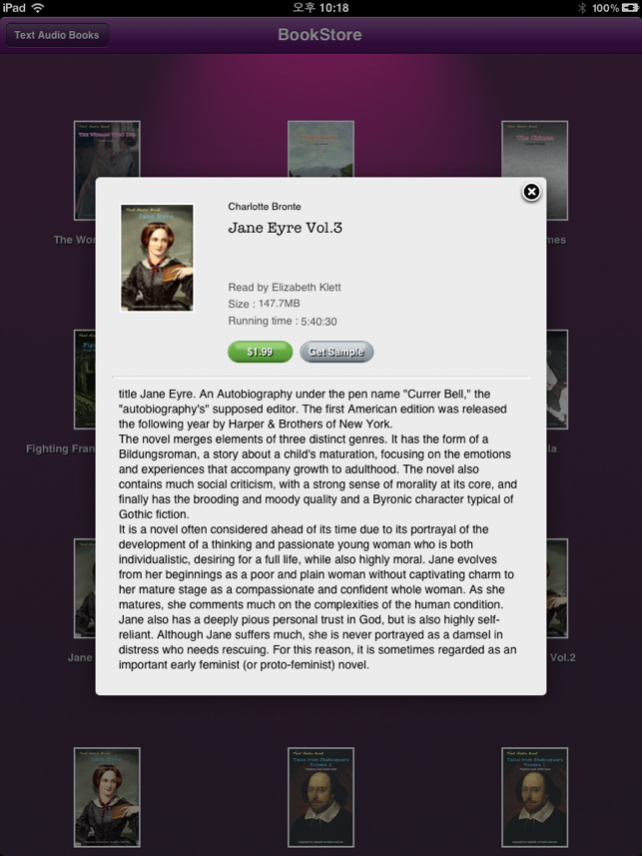

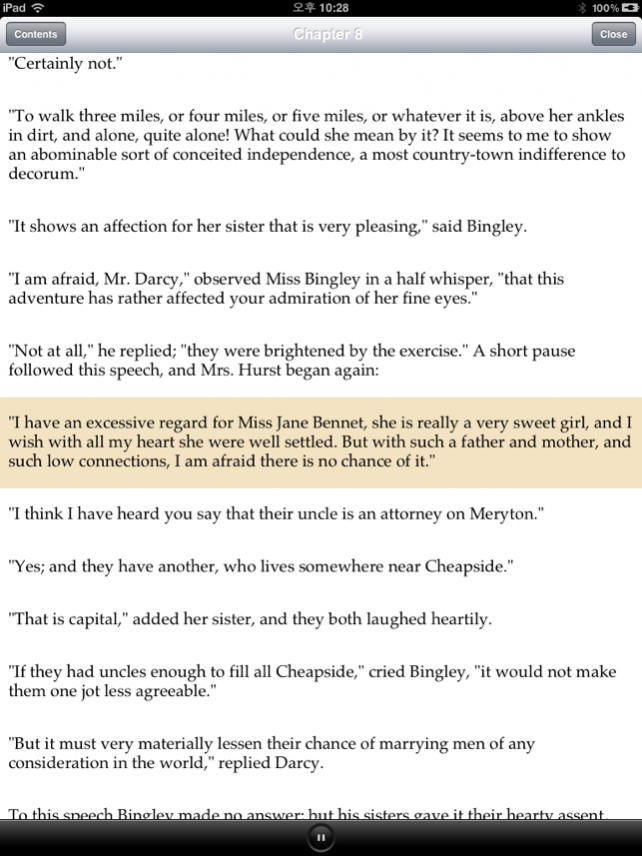
This application displays text and plays audio at the same time.
Key Features
1. When you touch the play button, the app reads a sentence.
2. It supports highlighted text for the sentence being read.
3. It supports auto scrolling.
4. If you touch a sentence, the app read the sentence.
Contents
Pride and Prejudice
The Strange Case of Dr. Jekyll and Mr. Hyde
Alice's Adventures in Wonderland
The Memoirs of Sherlock Holmes
What Katy Did
American Stories Vol.1
American Stories Vol.2
This is America Vol.1
This is America Vol.2
This is America Vol.3
This is America Vol.4
This is America Vol.5
Tales From Shakespeare Vol.1
Tales From Shakespeare Vol.2
Jane Eyre Vol.1
Jane Eyre Vol.2
Jane Eyre Vol.3
Jane Eyre Vol.4
Carmilla
Fighting France, from Dunkerque to Belfort
Ethan Frome
The Chimes
Persuasion
The Woman Who Did
Sense and Sensibility
Northanger Abbey
The British Barbarians
Lady Audley's Secret Vol.2
Lady Audley's Secret Vol.1
Poems of West and East
A Christmas Carol
The Adventures of Tom Sawy
Treasure Island
The Wonderful Wizard of Oz
How to Live on Twenty-Four Hours a Day
ContactUs : inlokim@gmail.com
Aug 28, 2013 Version 1.3
Added a download progress label.
Added a function to move book icons.
About Text Audio Books iPad edition
The company that develops Text Audio Books iPad edition is highwill. The latest version released by its developer is 1.3.
To install Text Audio Books iPad edition on your iOS device, just click the green Continue To App button above to start the installation process. The app is listed on our website since 2013-08-28 and was downloaded 0 times. We have already checked if the download link is safe, however for your own protection we recommend that you scan the downloaded app with your antivirus. Your antivirus may detect the Text Audio Books iPad edition as malware if the download link is broken.
How to install Text Audio Books iPad edition on your iOS device:
- Click on the Continue To App button on our website. This will redirect you to the App Store.
- Once the Text Audio Books iPad edition is shown in the iTunes listing of your iOS device, you can start its download and installation. Tap on the GET button to the right of the app to start downloading it.
- If you are not logged-in the iOS appstore app, you'll be prompted for your your Apple ID and/or password.
- After Text Audio Books iPad edition is downloaded, you'll see an INSTALL button to the right. Tap on it to start the actual installation of the iOS app.
- Once installation is finished you can tap on the OPEN button to start it. Its icon will also be added to your device home screen.
Version History
version 1.3
posted on 2013-08-28
Aug 28, 2013 Version 1.3
Added a download progress label.
Added a function to move book icons.
version 1.3
posted on 2012-02-03
Disclaimer
Official App Store Link
We do not host Text Audio Books iPad edition on our servers. We did not scan it for viruses, adware, spyware or other type of malware. This app is hosted by Apple and passed their terms and conditions to be listed there. We recommend caution when installing it.
The App Store link for Text Audio Books iPad edition is provided to you by apps112.com without any warranties, representations or guarantees of any kind, so access it at your own risk.
If you have questions regarding this particular app contact the publisher directly. For questions about the functionalities of apps112.com contact us.
